Free Claude Code Course
Improve your coding workflow with advanced agentic techniques.

Why Take This Course?
Configure Claude Code for your Codebase

Build Smarter AI-Assisted Workflows

Stay in Control with Permissions & Model Configuration

Orchestrate Multi-Agent Systems

Extend and Integrate Claude Code
What You'll Learn
Learning How Claude Code Works Under The Hood
Build a mental model that makes everything else click. From the model to the harness, get hands on customizing Claude Code to your codebase.
- Automate repetitive workflows by creating custom skills and hooks that handle multi-step tasks with minimal manual input.
- Write better code faster by giving Claude deep context about your codebase through structured configuration files.
- Stay in control with flexible permission modes that let you decide exactly how much autonomy the AI has at any given moment.
- Tackle complex problems by orchestrating multiple AI agents working in parallel on different parts of a task simultaneously.
- Connect Claude to your entire stack using MCP and plugins to integrate with external tools, services, and systems beyond just your code repository.

Your (Awesome) Instructor
A Decade of Experience in Software Engineering & Developer Experience
With a background in both software engineering and technical content architecture, Lydia's work bridges technical depth with a visual clarity that translates real-world engineering challenges into spec-compliant, actionable content for developers at all levels.

Member of Technical Staff at Anthropic

Head of Developer Experience at Bun

Staff Developer Relations Engineer
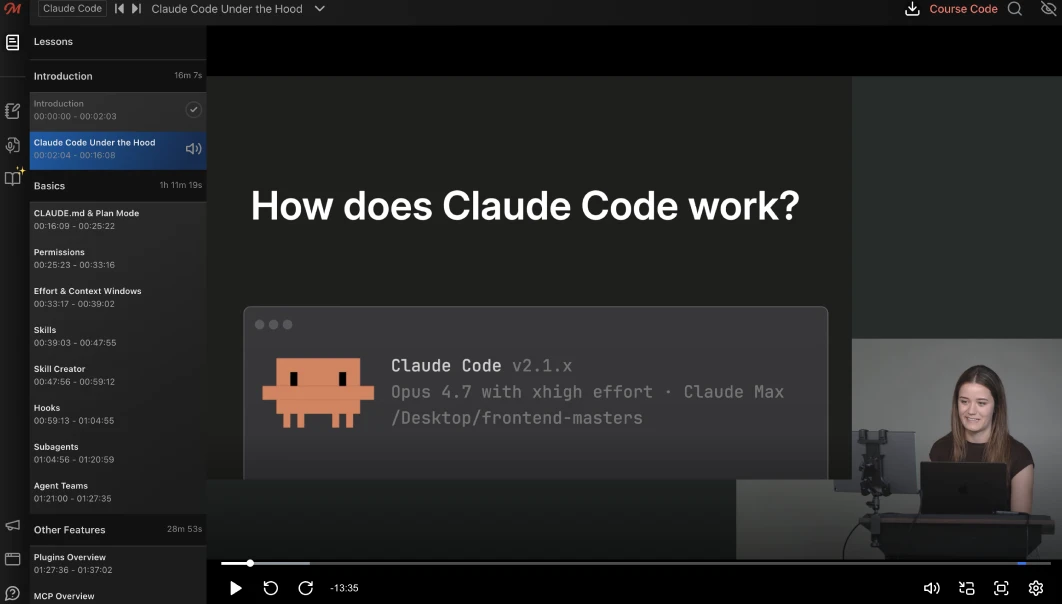
Best in Class Course Player
Your Learning Adventure Begins Here
- Course Progress: Learn at your own pace and pick up right where you left off.
- Robust Note-Taking: Take notes alongside transcripts to easily reference information while learning.
- Quizzes & Flashcards: Reinforce your learning with quizzes and flashcards after every lesson.
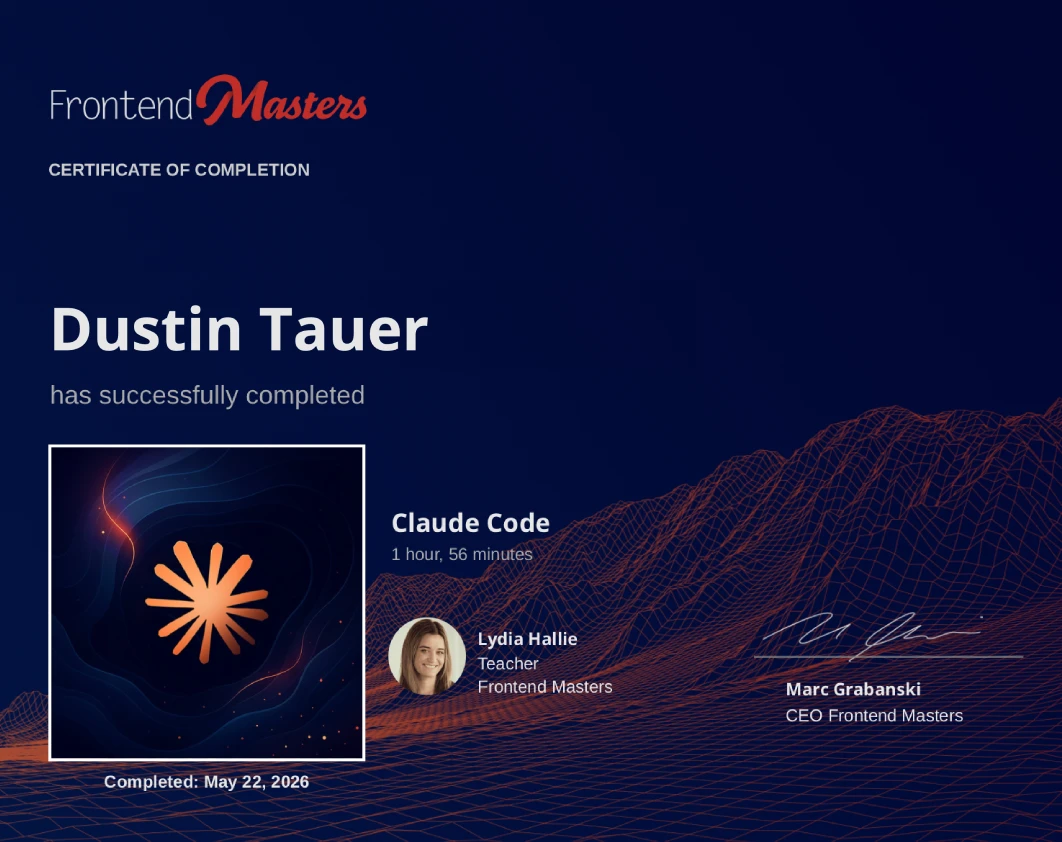
Earn a Completion Certificate
After completing this course, you'll receive a certificate of completion that serves as proof of your achievement, showcasing your expertise, and commitment to professional development. You can easily share this certificate on your LinkedIn profile to highlight your new skills and demonstrate continuous learning to potential employers and professional connections.
Ready to begin your journey?
- 5+ Free In-depth Courses
- Industry Leading Experts
- No credit card required
Already have a Frontend Masters account? Login here
What They're Saying about Lydia Hallie





I strongly recommend this course, as a software engineer, it's very crucial to understand the tools you're working with!

Lydia's explanations of the subject matter are always exceptional; she is a go-to instructor when I'm learning anything new or just improving my existing knowledge